Everyday use
Sounds
Choose which moments play a sound, and how loud.
Pauselle uses short, original chimes. They play through your Mac’s audio output, and nothing keeps playing after a break. Find sound settings in Settings → Sounds. Press the play button next to any sound to preview it.
Break sounds
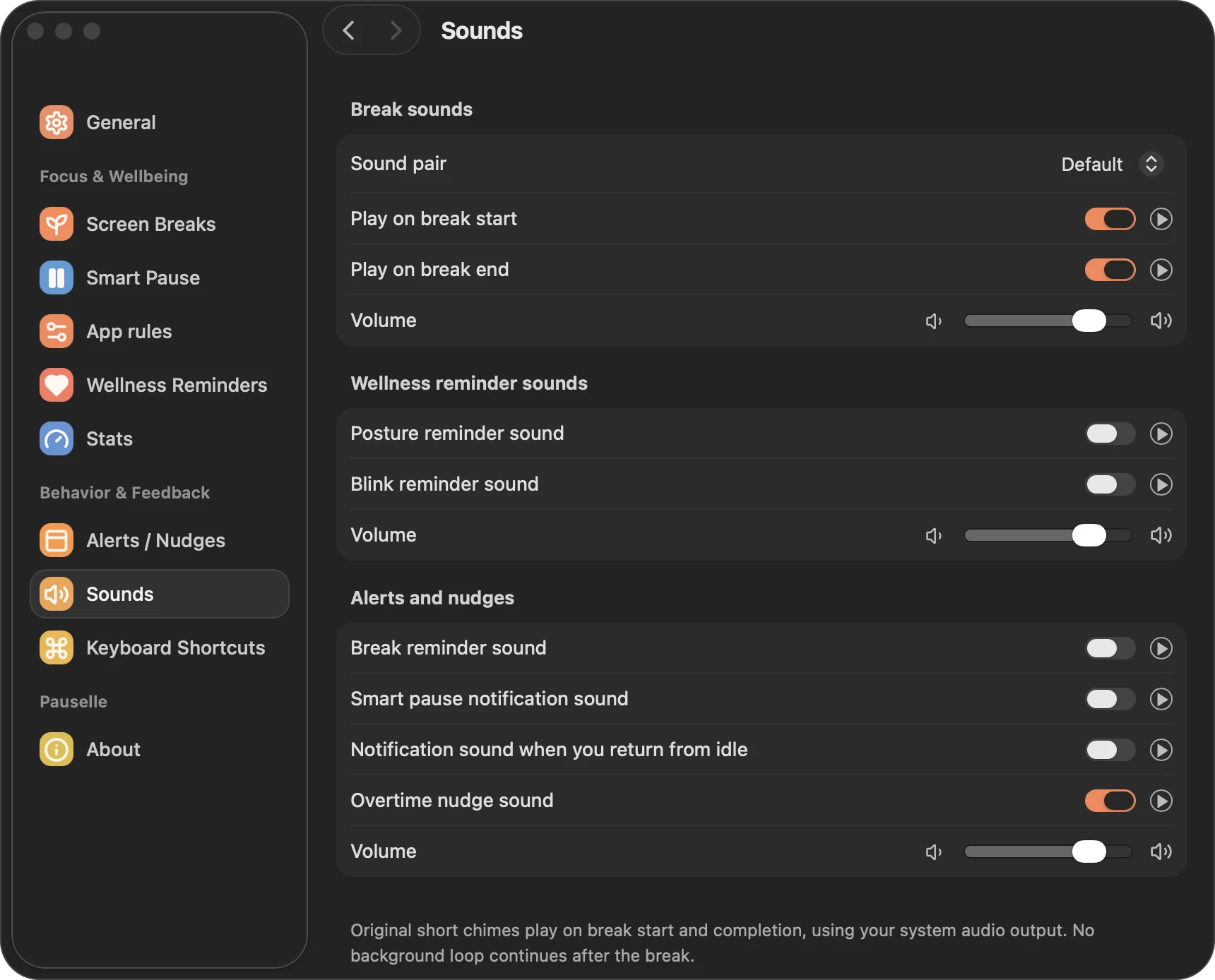
| Setting | Default |
|---|---|
| Sound pair | Default or Gentle |
| Play on break start | On |
| Play on break end | On |
| Volume | 80% |
Wellness reminder sounds
| Setting | Default |
|---|---|
| Posture reminder sound | Off |
| Blink reminder sound | Off |
| Volume | 80% |
Custom reminders have their own Play a gentle cue switch, which uses the alerts volume.
Alerts and nudges
| Setting | Default |
|---|---|
| Break reminder sound | Off |
| Smart pause notification sound | Off |
| Notification sound when you return from idle | Off |
| Overtime nudge sound | On |
| Volume | 80% |