Getting started
Introduction
Pauselle is a small Mac app that keeps time while you work and reminds you to look away, blink and sit back.
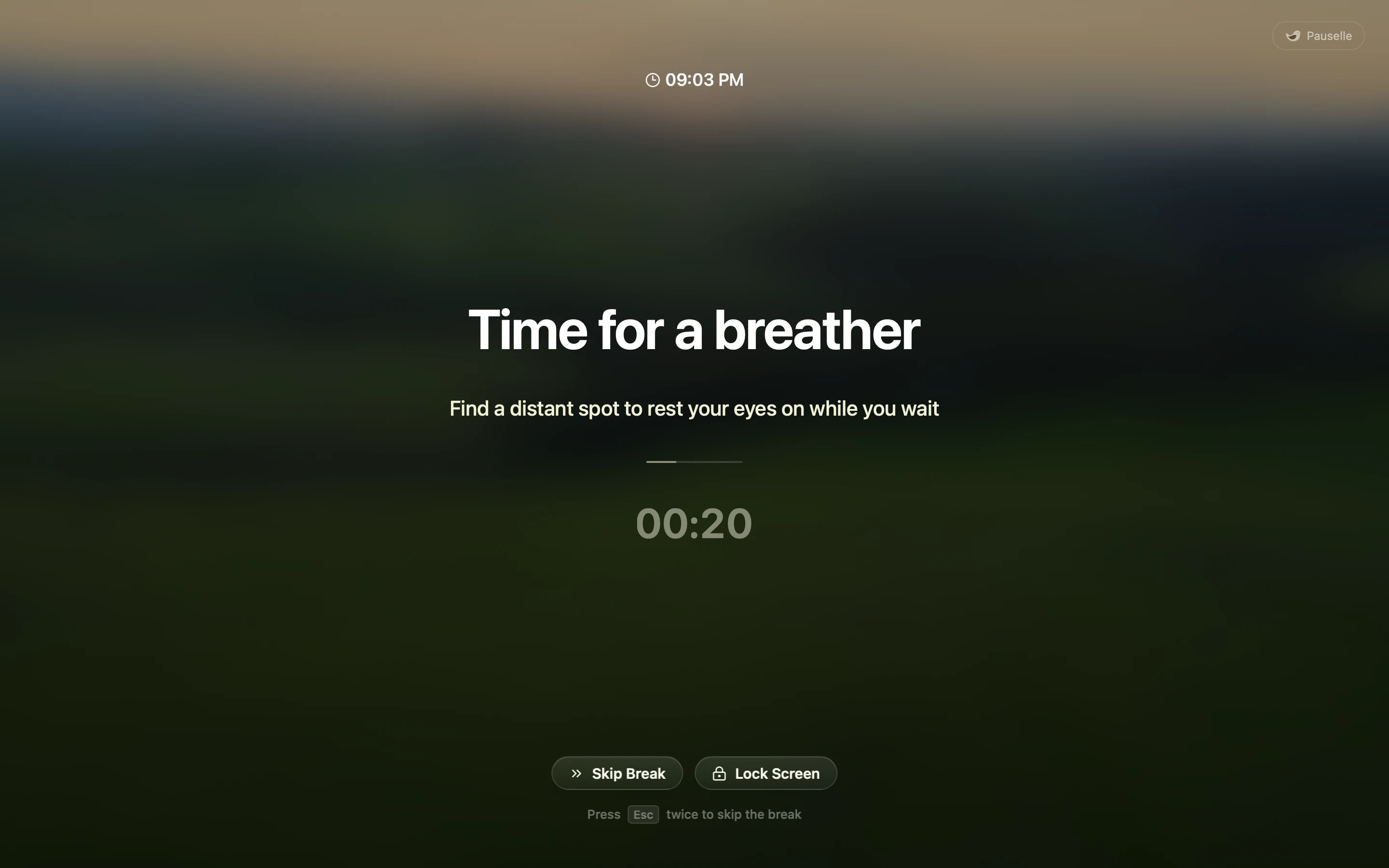
Pauselle runs in your menu bar. While you work it counts your screen time, and every so often Robin, its little bird, asks you to take a short break. During the break a full-screen view gives your eyes somewhere else to rest. When the break ends, Pauselle starts counting again.
Pauselle starts from the 20-20-20 rule: every 20 minutes, look at something about 20 feet (6 metres) away for at least 20 seconds. Out of the box Pauselle shows a 20-second break after 20 minutes of work. You can change both.
Who it is for
- Developers, designers, writers, students and anyone else who spends long stretches at a screen.
- People who forget to blink, slouch as the afternoon goes on, or skip lunch when they are deep in something.
- Anyone who wants reminders that get out of the way during calls and focused work.
What Pauselle does
- Screen breaks at an interval you choose, with longer breaks every few sessions. → Screen Breaks
- Three ways to work: regular screen breaks, Pomodoro, or Free Focus with no countdown.
- A calm break screen over every display, with your wallpaper, a gradient, an animation or your own image. → The break screen
- Break enforcement from Casual (skip any time) to Hardcore (no skips).
- Planned breaks at fixed times, such as lunch or an afternoon walk. → Planned breaks
- Office hours so Pauselle only runs on the days and hours you work. → Office hours
- Smart Pause waits during calls, screen sharing, calendar events, deep-focus apps and games. → Smart Pause
- Idle tracking pauses the timer when you step away, then resumes or starts fresh when you return. → Idle tracking
- Posture, blink and custom reminders: small cues in a corner of the screen that never block your work. → Wellness reminders
- Heads-ups before a break: a reminder, a countdown next to your cursor, and an overtime nudge. → Alerts & nudges
- Local stats for screen time, breaks, apps and (optionally) websites. → Stats
- Global keyboard shortcuts, gentle sounds, and a menu bar timer.
Private by design
Pauselle has no account, no server and no telemetry. Your settings and history live in a database on your Mac, and you can export or delete them at any time. → Data & privacy
Free preview. Pauselle is free for Apple Silicon Macs running macOS 13 or later. Some settings still appear dimmed because they are not connected yet. These docs describe only what works today.