Privacy
Data & privacy
What Pauselle stores, where it lives, and how to export or delete it.
Pauselle has no account, no server and no telemetry. It works fully offline. Everything it knows stays on your Mac.
What is stored
Pauselle keeps its data in the app’s data folder on your Mac (~/Library/Application Support/com.pauselle.desktop). It holds a SQLite database with:
- Your settings.
- Your work and break history: sessions, completed, skipped and postponed breaks.
- App usage (app names and durations), if Track app usage is on.
- Website usage (domain names and durations), only for browsers you turned on in Stats.
If you choose a custom background image, Pauselle keeps a copy of it in the same folder.
What Pauselle never stores or sends: audio, screen contents, keystrokes, page addresses beyond the domain, browsing history, or calendar event titles, locations, notes and attendees.
Settings → Data & Privacy
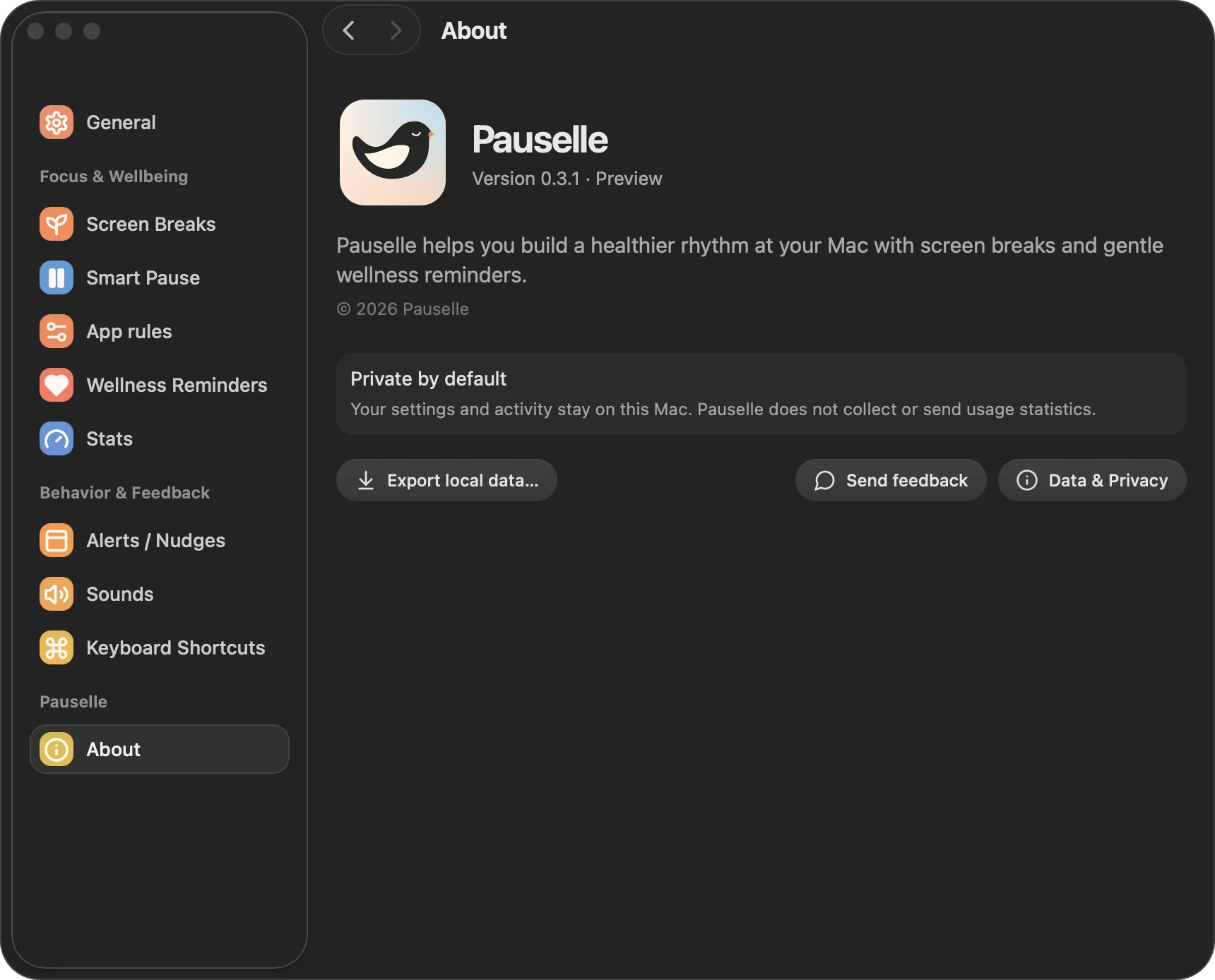
- Track app usage: store active app names and durations on this device. On by default.
- Storage: shows where your data lives (SQLite · On this device).
- Export data: saves a
pauselle-backup.jsonfile with your history and settings. The file is not encrypted, so keep it somewhere safe. - Delete data: deletes all history and restores the default settings. This cannot be undone.
Network access
Pauselle doesn’t need the internet. Links such as release notes and feedback open in your browser.
See Permissions for the macOS permissions Pauselle can ask for, and why.